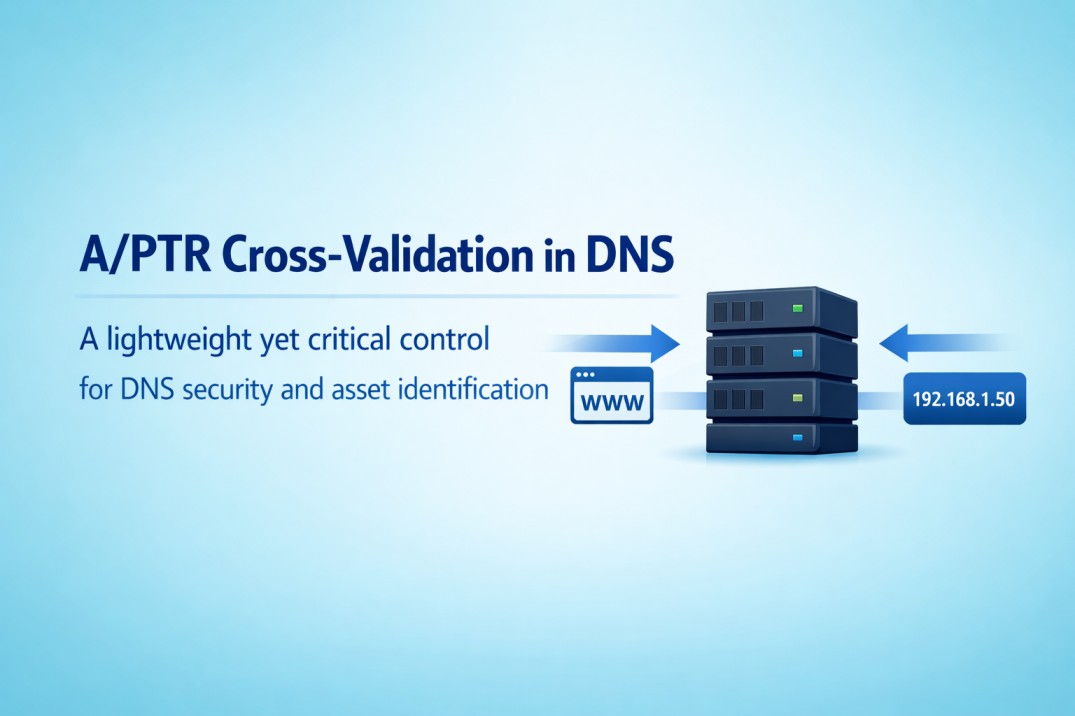
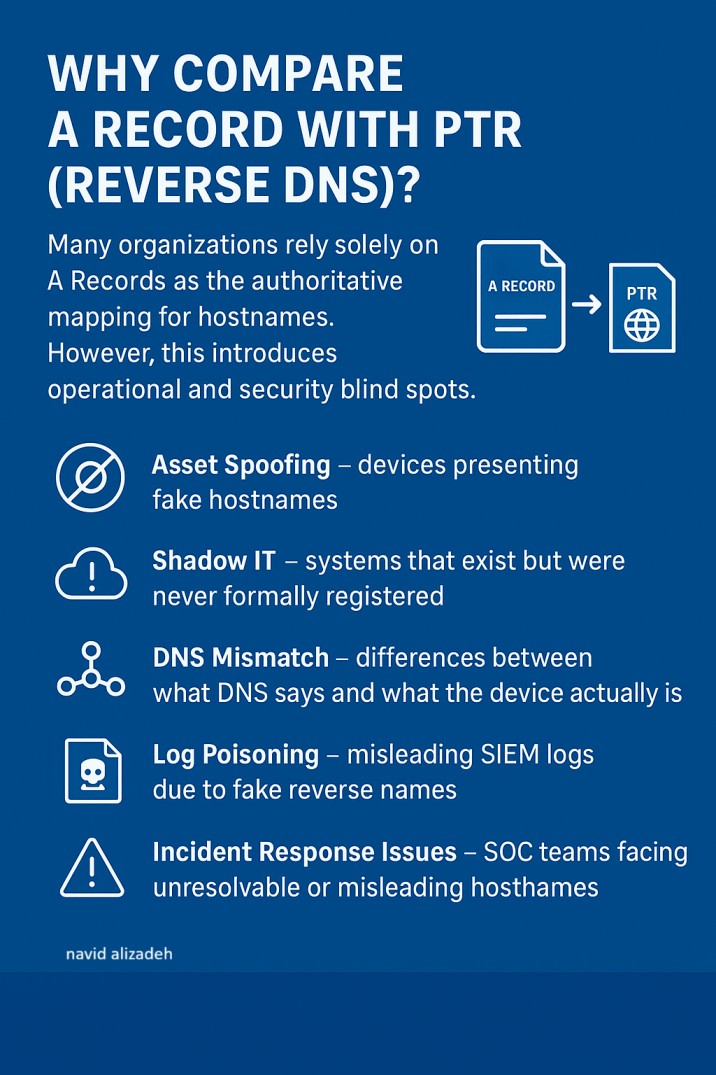
Many organizations rely solely on A Records as the authoritative mapping for hostnames.
A Record and PTR DNS Security
However, this introduces operational and security blind spots.Comparing A Records with PTR (Reverse DNS) is a simple yet powerful technique to detect:
 Asset Spoofing – devices presenting fake hostnames
Shadow IT – systems that exist but were never formally registered
DNS Mismatch – differences between what DNS says and what the device actually is
Log Poisoning – misleading SIEM logs due to fake reverse names
Incident Response Issues – SOC teams facing unresolvable or misleading hostnames
A bidirectional A  PTR validation is a lightweight but highly effective control to improve network visibility and DNS security.
The attached PowerShell script is a tool you can run inside your own network to detect potential DNS issues.It scans your IP range, retrieves the DNS A record, then performs a Reverse DNS (PTR) lookup.
If the returned IP doesn’t match the original one, it indicates a DNS mismatch that may require further investigation.
Simply update your values in lines 51, 52, and 58, save the file as .ps1, and run it via PowerShell on your internal system. This helps identify incorrect DNS entries, visibility gaps, and potential security risks within your environment.


